How I Set Up My Samsung Smart TV Without a Remote
This blog explains how I set up a Samsung Smart TV without a remote by using a USB keyboard. I share useful keyboard shortcuts to access settings, navigate channels, and perform a factory reset, making it a quick fix for others in the same situation.
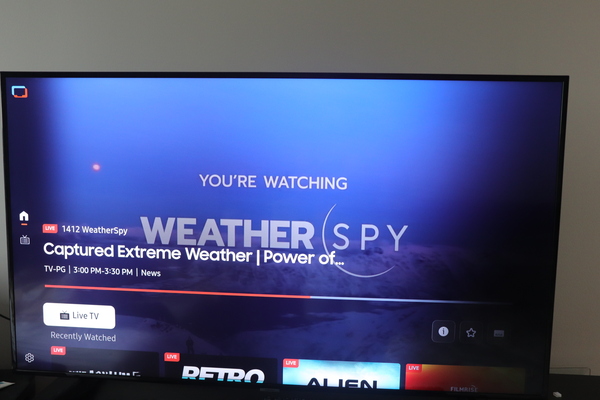
Recently, I got a Samsung Smart TV (model UN55NU6900F, a 55-inch Samsung 6 Series) from a friend, but unfortunately, it didn’t come with a remote. Although I could buy a remote on Amazon, I was eager to get the TV working right away. So, I experimented with a few options to control it, and you might find some of these methods useful too if you’re in a similar situation.
1. Using the Power/Settings Button
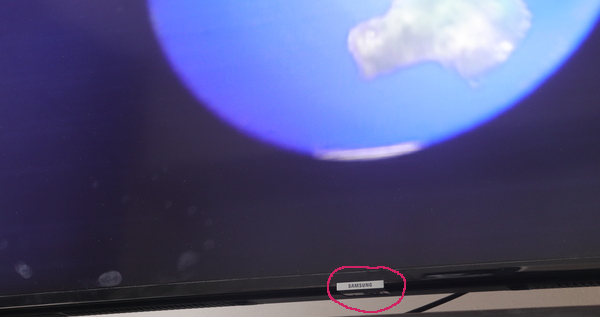
Most newer Samsung models come with a single power button and minimal controls beneath the screen. While these buttons can change the volume and channels, they don’t offer full access to settings. Unfortunately, this didn’t work for me.
2. Using the SmartThings App or Other Remote Control Software
Samsung’s SmartThings app or other remote control apps can be helpful, but they only work if the TV is already connected to your network. Since I hadn’t set up the TV yet, this option was a no-go.
3. Using a USB Keyboard
The TV has a USB port at the back, and luckily, I had a spare USB keyboard. I didn’t expect much, but connecting the keyboard turned out to be a game-changer! I could fully control the TV, and typing was easier than using a remote. Here’s a breakdown of how some of the keys functioned:
Up/Down/Side Arrows: Navigate between tabs
Esc: Go back
F5: Opens the main menu
F6: Access the settings menu (perfect for setup!)
F7: View all channels
F8: Mute
F9/F10: Decrease/Increase volume
F11/F12: Change channels up/down
Enter: Select options
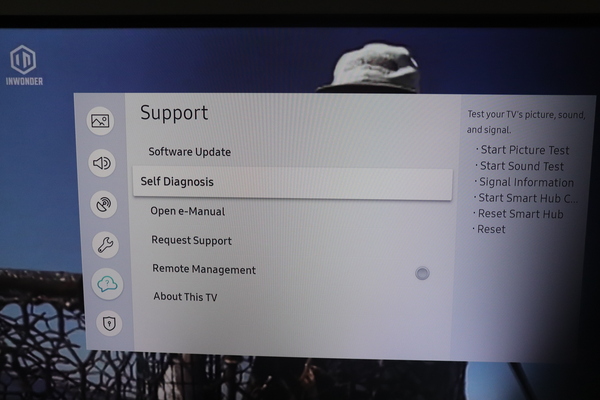
This keyboard functionality was fantastic, especially when I needed to type text. I navigated to the settings using the F6 key, arrows, and Enter, then performed a factory reset. After that, the TV felt brand new!
For anyone looking to use their Samsung Smart TV without a remote, a USB keyboard could be your answer.